If you are seeing one of the following errors:
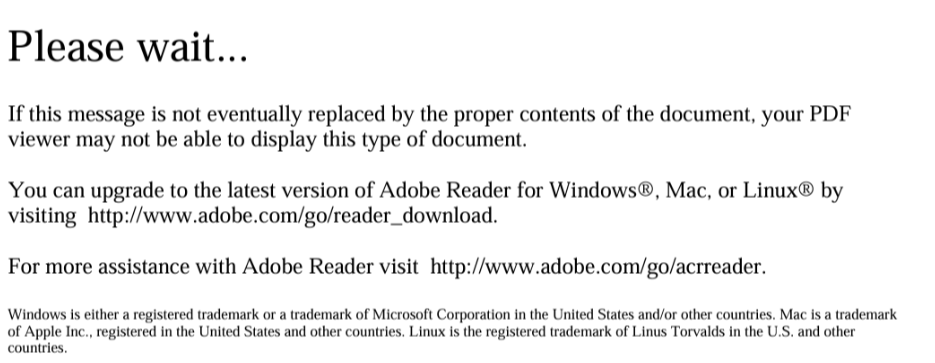
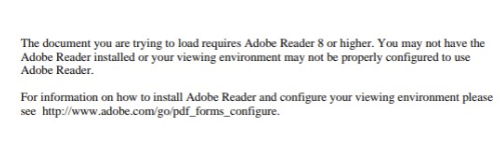
You are opening a Dynamic PDF in a web browser instead of Adobe Acrobat. Please try the following:
- Close the page that is giving you this error.
- Download the PDF to your computer.
- Open Adobe Acrobat.
- Click on Open.
- Go to the folder where your downloads are or where you downloaded the PDF.
- Select the PDF and click on Open.
Common Download Icon/Buttons:
Was this article helpful?
That’s Great!
Thank you for your feedback
Sorry! We couldn't be helpful
Thank you for your feedback
Feedback sent
We appreciate your effort and will try to fix the article