Xerox printers will be automatically pushed to your computer. If you are in ABQ, please let us know ahead of time so we can setup the printer before you go. Your bureau will determine what printer you have access to and what your printer code is. You can find your printer code on your desktop in the Xerox Accounting Code file. Note that this will only be for Xerox printers. 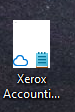
Please make sure you select the correct printer like in the following examples:
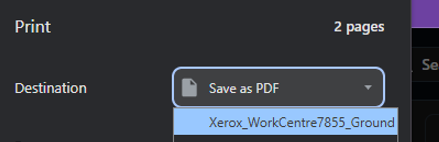
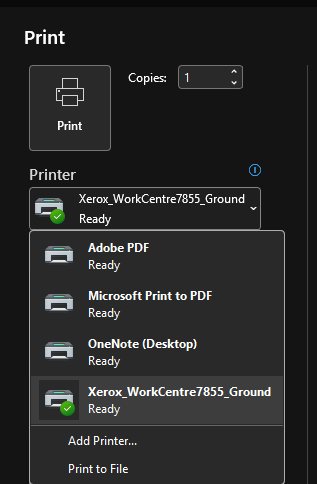
After selecting the printer and clicking on print, make sure this or something that looks like this appears, then click Print. The box(es) should already have your code automatically entered. If a blue box appears before this, you just need to enter your code once to get in. 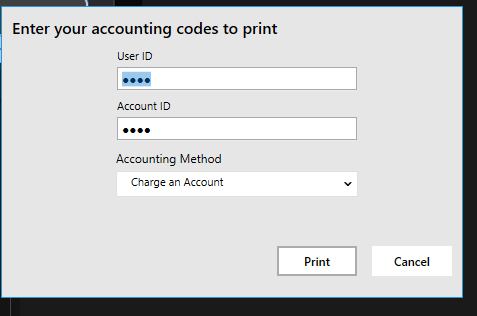
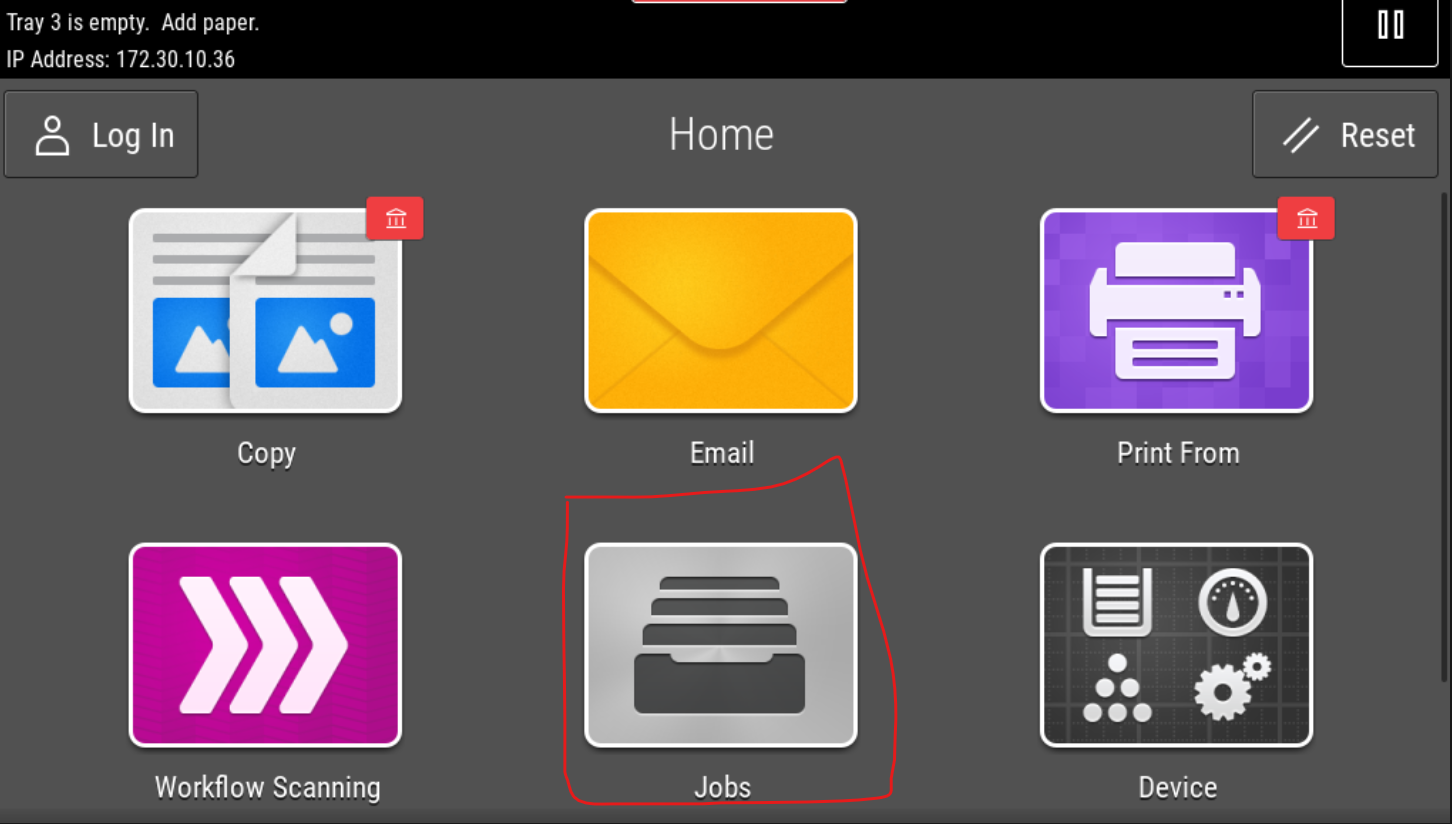
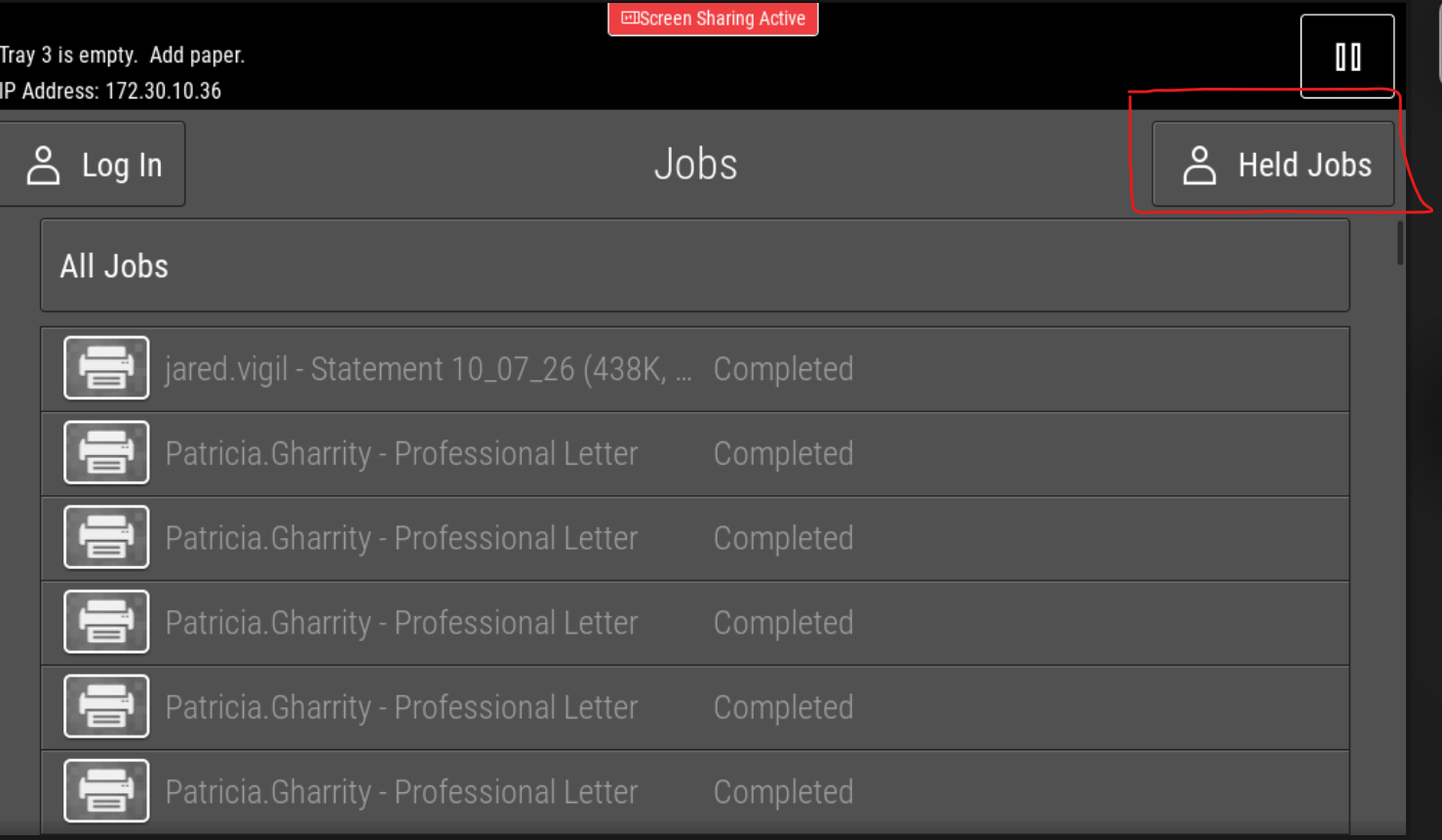
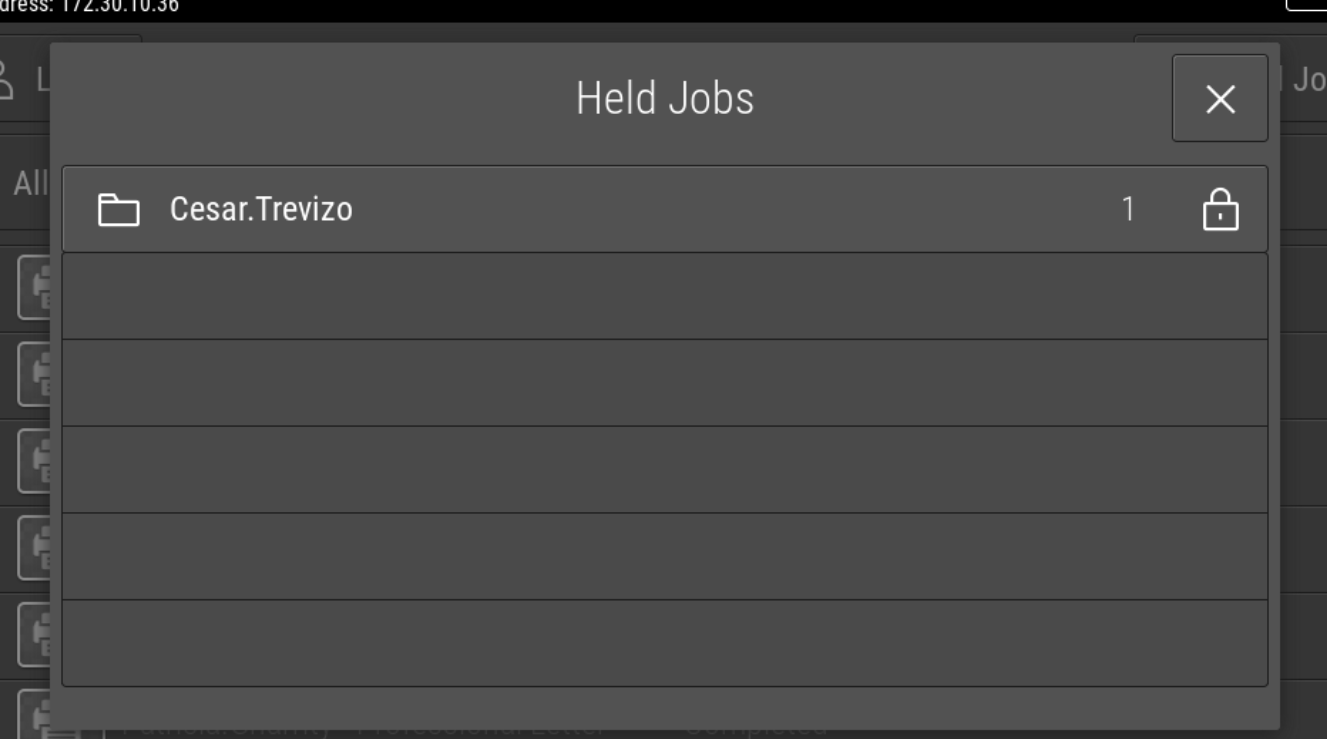
Once you hit print, you can walk to the Xerox printer, look for your name, then enter your code and hit print.
If you need access to a shared network printer or another xerox printer, please submit a ticket and we can get you setup.
Note: If you are connected to a shared HP printer, please do all mass printing on the Xerox printer and only print small jobs to the HP printer.
Was this article helpful?
That’s Great!
Thank you for your feedback
Sorry! We couldn't be helpful
Thank you for your feedback
Feedback sent
We appreciate your effort and will try to fix the article